Skip to content
Plugova · WordPress & WooCommerce

Powerful plugins.
A better way to work.

Discover focused tools for store operations, customer workflows, checkout and reporting. Explore each plugin, see what it does and choose the plan that fits.
✦ Focused tools⌘ Familiar WordPress experience♡ Built around workflows
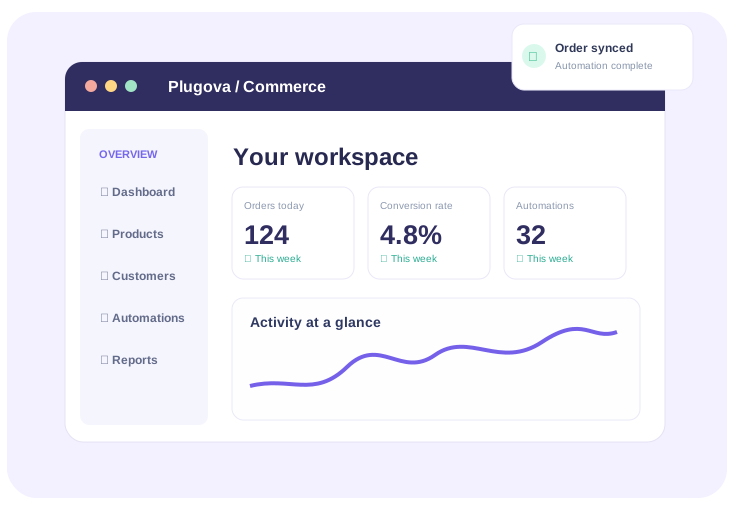
Concept illustration of a WordPress commerce plugin
Illustrative product preview
Plugins, not just a category.Every plugin will get its own page, features, documentation and purchasing options.
Browse plugin catalogue ↗
PLUGIN MARKETPLACE

WooCommerce plugins
built for real store workflows.

Browse focused plugins for store operations, reporting, customer workflows and admin productivity. Pick a site license and see the real WooCommerce price before you buy.

WOOCOMMERCE PLUGIN

ABN Fetch

Explore this plugin’s features, screenshots and licensing options.

SELECT LICENSE
A dedicated page for every plugin

Show the value.
Make buying simple.

Each product will have a distinct hero, real screenshots or video, clear features, documentation, FAQs and a pricing area connected to WooCommerce.

✓ Real product demonstrations✓ Single-site & multi-site licenses✓ Clear yearly renewal options✓ Visible support and compatibility details
View sample product page ↗
plugova / sample-plugin
PRODUCT SETTINGS · CONCEPT

Order Workflow

One place to manage repetitive store activity

New order placedTrigger
↓
Apply status workflowAction
↓
Send customer updateDone
From discovery to setup

One simple purchase.
A clear path forward.

The planned WooCommerce storefront will handle the commercial flow, while the plugin pages explain the software.

01

Explore your plugin

View features, compatibility information and product demos.

02

Choose your license

Select a site count and billing term. Prices and checkout will come from WooCommerce.

03

Access your purchase

Visit your customer account for orders, downloads and license information once implemented.

Designed for clarity

The details users need
before they buy.

⌘

Real screenshots

Demonstrate what each plugin actually does, using its own UI.

◇

License options

Make site limits, support periods and renewal terms easy to compare.

☰

Docs & support

Help buyers understand compatibility, setup and ongoing assistance.

Plugin marketplace FAQ

Questions before checkout.

Will each WordPress plugin have its own product page?

Yes. Publish an individual product through WooCommerce, assign it to the WordPress Plugins category, and its dedicated premium product page will show its real title, images, price and purchase options.

Can I offer 1-site, 5-site and 10-site plans?

You can configure these, including 1-year and 2-year options, as WooCommerce product variations with your actual prices. Software license activation and renewal require a separate licensing integration.

Can I update screenshots, features and prices later?

Yes. Edit those details in WooCommerce. You can also attach a dedicated Elementor page to add extra tutorials or FAQs to an individual plugin page.

How do customers complete a purchase?

Add to Cart uses WooCommerce checkout. Configure and test your payment gateway, taxes, delivery settings for digital downloads and refund policy before launching.

Build your plugin storefront
with room to grow.

Separate product pages, straightforward licensing and a consistent Plugova experience.