Form Studio Pro
Explore this plugin’s features, screenshots and licensing options.
Discover focused tools for store operations, customer workflows, checkout and reporting. Explore each plugin, see what it does and choose the plan that fits.
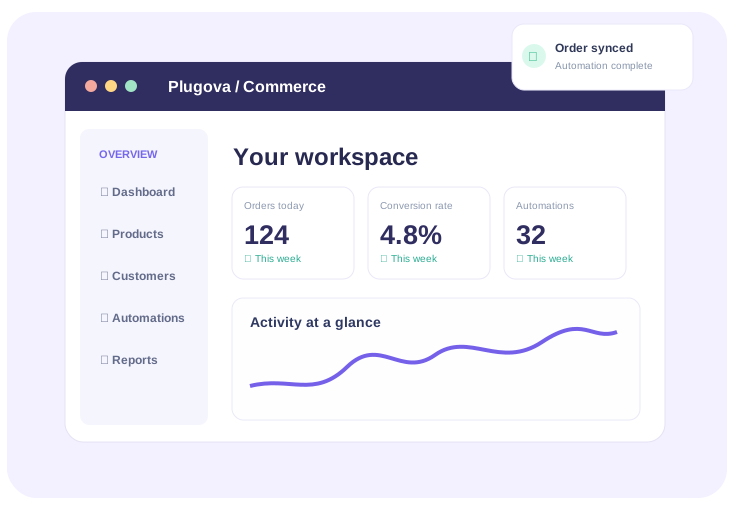
Browse focused plugins for store operations, reporting, customer workflows and admin productivity. Pick a site license and see the real WooCommerce price before you buy.

Each product will have a distinct hero, real screenshots or video, clear features, documentation, FAQs and a pricing area connected to WooCommerce.
One place to manage repetitive store activity
The planned WooCommerce storefront will handle the commercial flow, while the plugin pages explain the software.
View features, compatibility information and product demos.
Select a site count and billing term. Prices and checkout will come from WooCommerce.
Visit your customer account for orders, downloads and license information once implemented.
Demonstrate what each plugin actually does, using its own UI.
Make site limits, support periods and renewal terms easy to compare.
Help buyers understand compatibility, setup and ongoing assistance.
Yes. Publish an individual product through WooCommerce, assign it to the WordPress Plugins category, and its dedicated premium product page will show its real title, images, price and purchase options.
You can configure these, including 1-year and 2-year options, as WooCommerce product variations with your actual prices. Software license activation and renewal require a separate licensing integration.
Yes. Edit those details in WooCommerce. You can also attach a dedicated Elementor page to add extra tutorials or FAQs to an individual plugin page.
Add to Cart uses WooCommerce checkout. Configure and test your payment gateway, taxes, delivery settings for digital downloads and refund policy before launching.
Separate product pages, straightforward licensing and a consistent Plugova experience.